Club motion
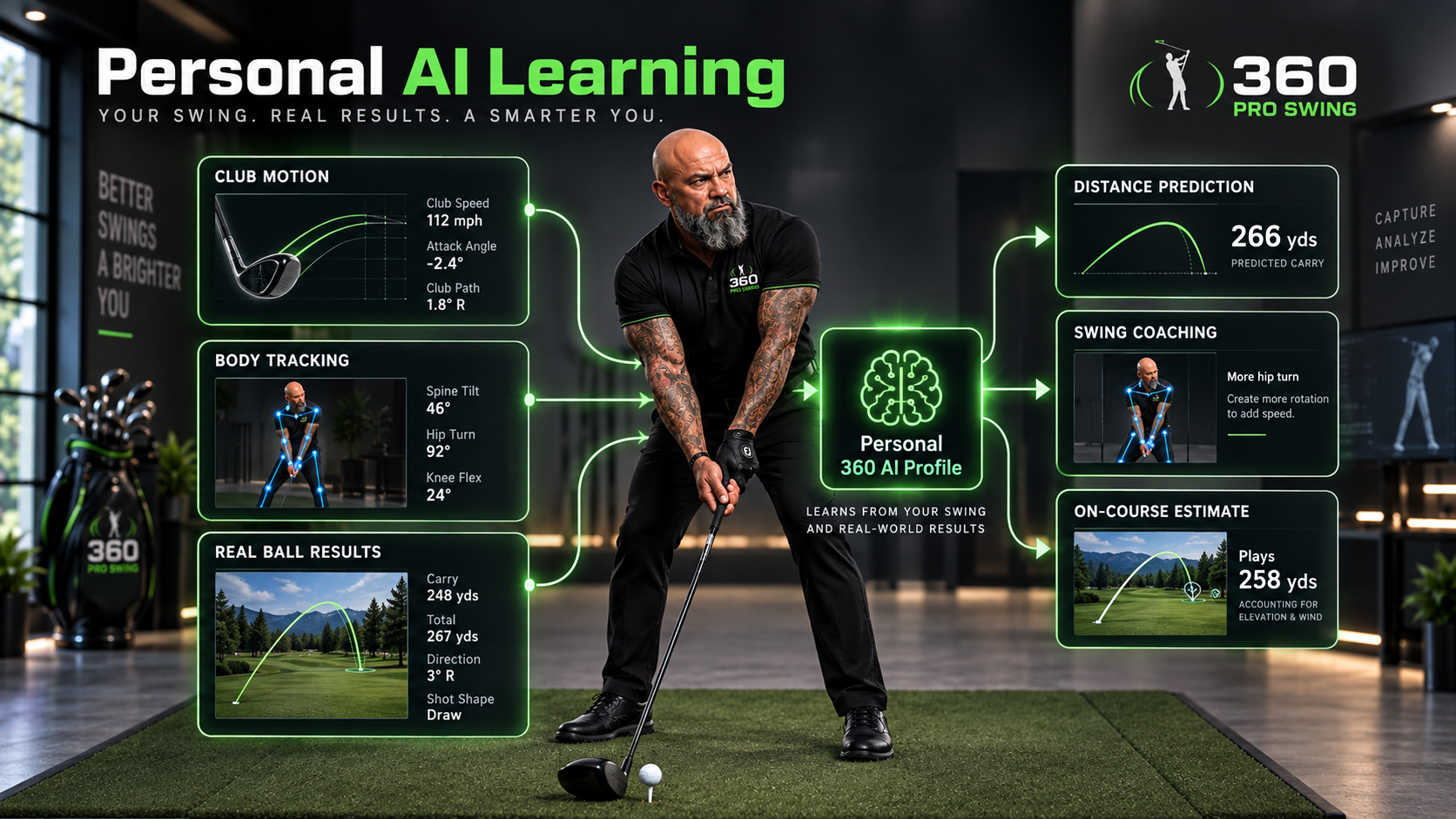
The 360 Smart Club tracks the real club so the system can evaluate movement, speed relationships, orientation, swing positions, and the motion that produced the shot.
360 SMART CLUB AI • AI TRAINING & TECHNOLOGY
Club-motion feedback. iPhone or iPad body tracking. Real-world shot calibration. Personal P1–P10 training. Games, haptics, prediction, and AI coaching—built around the golfer instead of a one-size-fits-all swing.
PERSONALIZED PERFORMANCE
360 Pro Swing is designed to understand both the club and the golfer, then strengthen that picture with verified real-world shot results.
The 360 Smart Club tracks the real club so the system can evaluate movement, speed relationships, orientation, swing positions, and the motion that produced the shot.
An iPhone or iPad camera can analyze the golfer’s body independently from the club. Head, shoulders, hips, elbows, knees, posture, and balance can all contribute to the training picture.
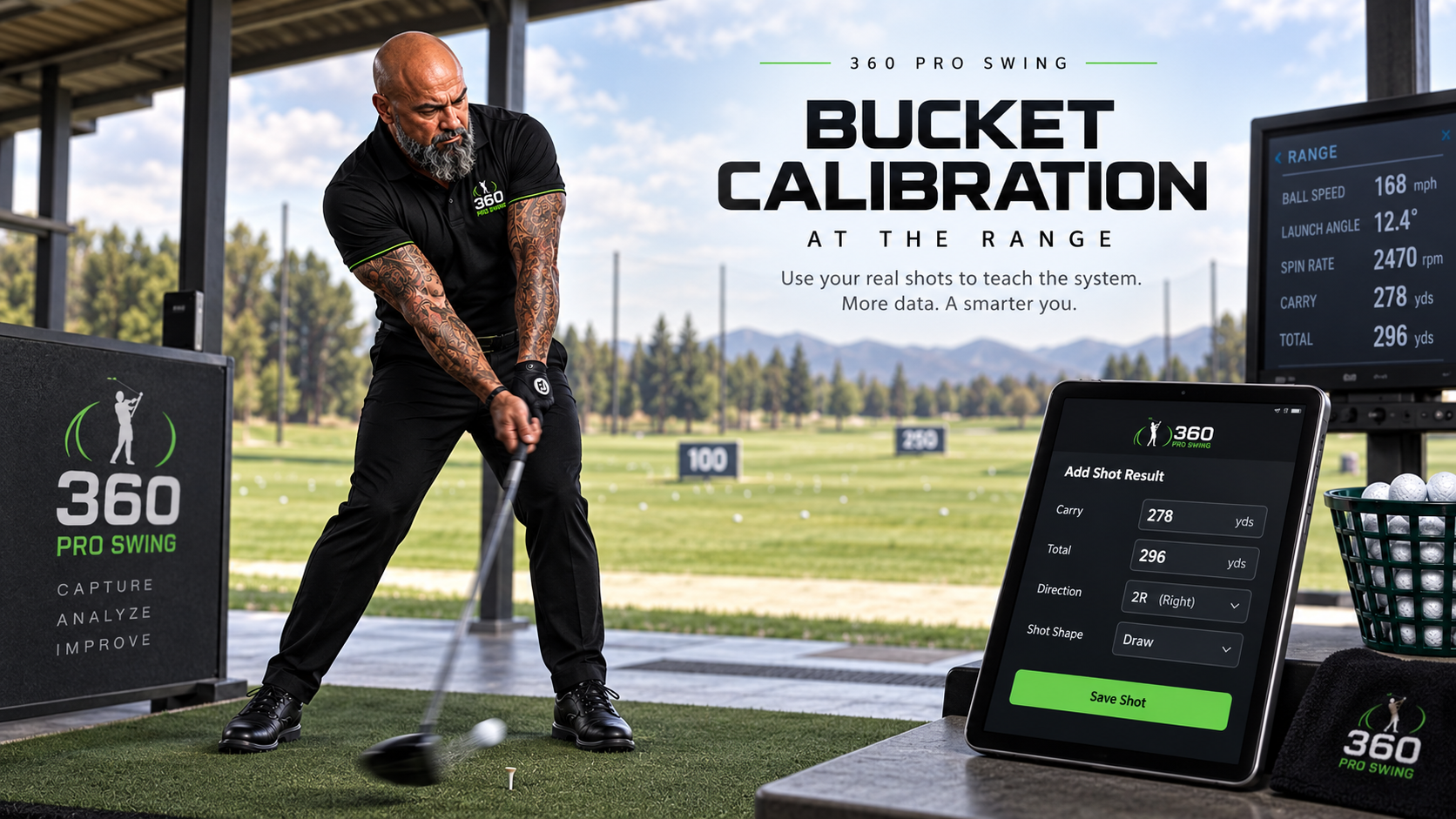
At a range or facility with outside radar or launch-monitor equipment, enter verified real-ball results so personal calibration can connect the measured swing with what the ball actually did.
IPHONE + IPAD BODY ANALYSIS
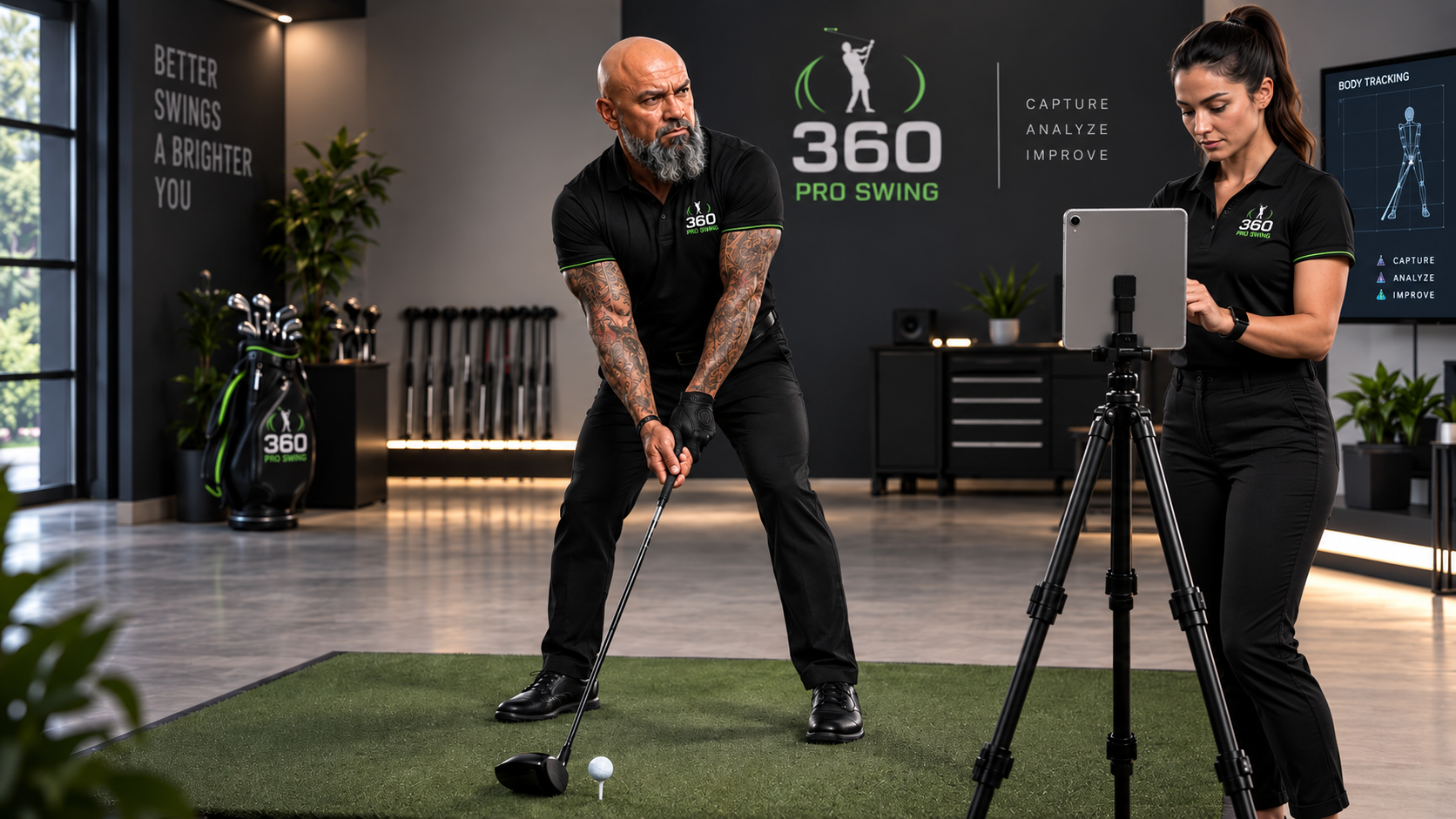
Set up an iPhone or iPad so its camera can see you during training. Camera-based body analysis can display skeleton-style guidance and body-position information while the Smart Club tracks the club itself.
AI VIDEO SWING REVIEW
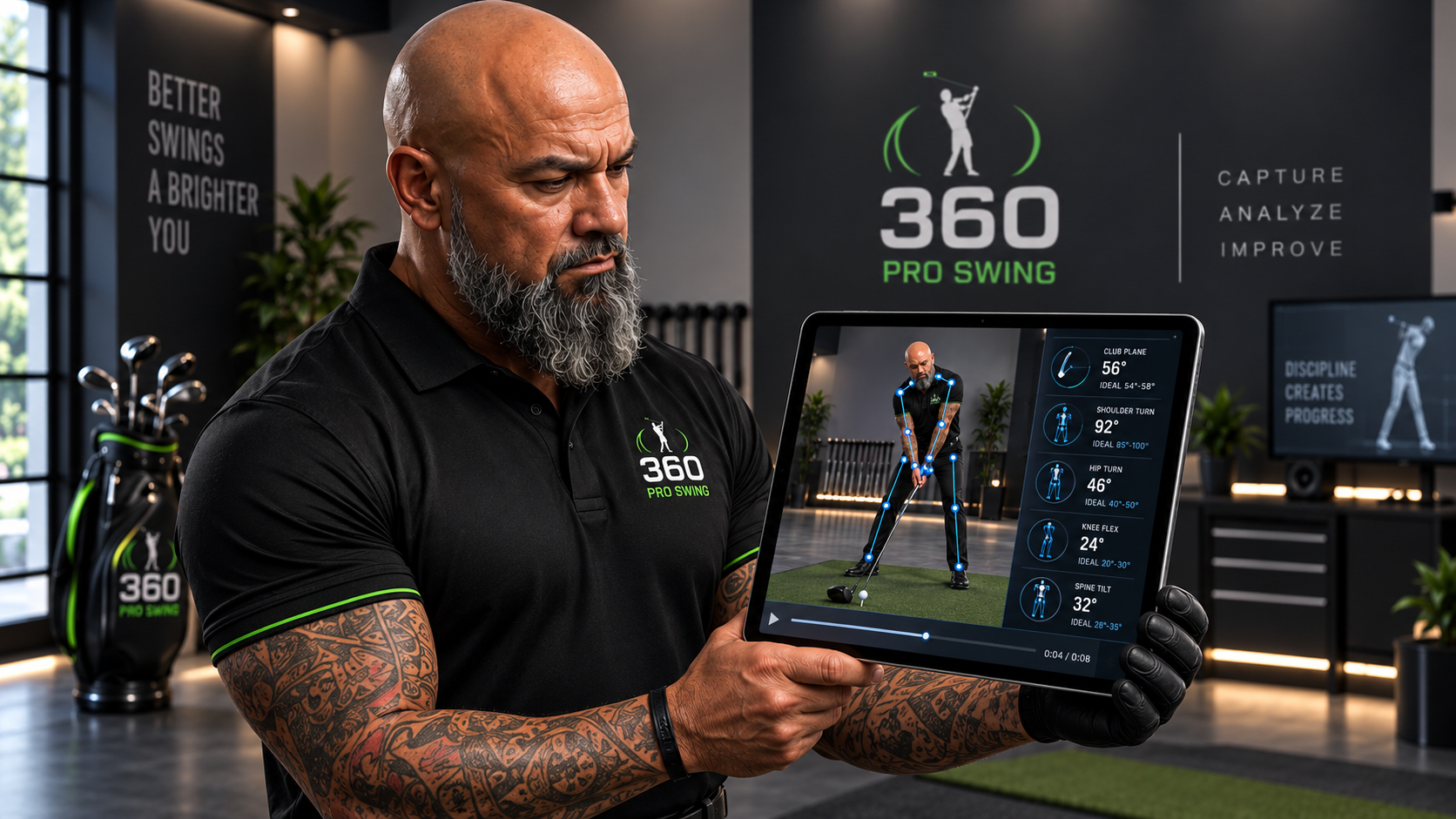
The planned recorded-swing workflow expands live tracking into a replay-and-review experience. Record the swing, preserve tracked body positions, slow the motion down, and use AI-assisted coaching to help explain what changed and what to work on next.
Planned viewpoints include face-on and down-the-line capture so the golfer can review the same swing from useful coaching angles.
RANGE-CALIBRATED PERSONAL LEARNING
Use externally measured real-ball results to teach the system how your club motion relates to your actual distance, direction, and shot result.
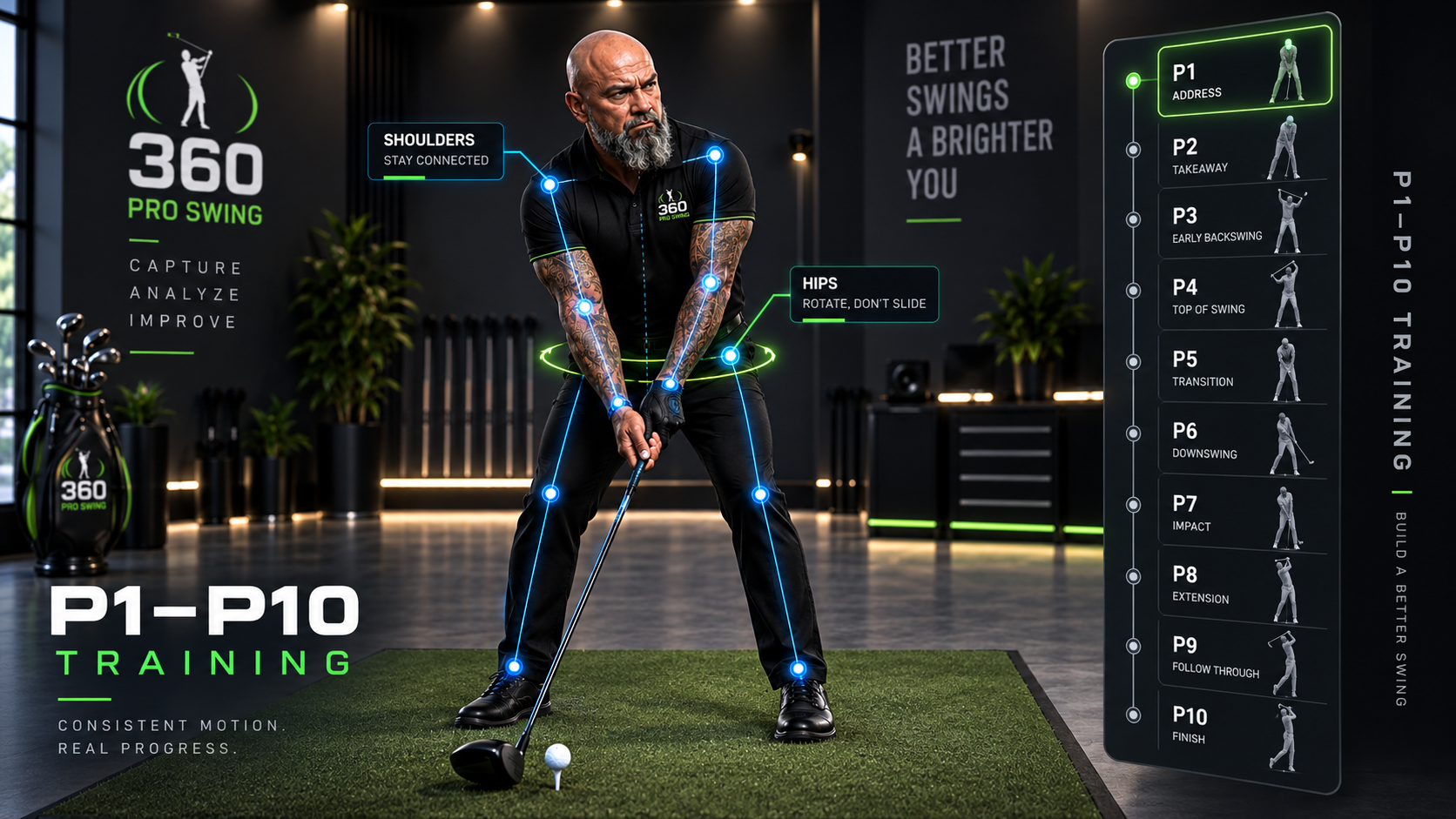
PERSONAL P1–P10 TRAINING
360 trains the swing position by position instead of forcing every golfer immediately into the same professional pose. Club-position guidance and camera-based body guidance can stay separate while still working inside the same training session.
Guided P1–P10 builds the positions slowly. Pulse Pass then evaluates the continuous swing against the golfer’s current targets.
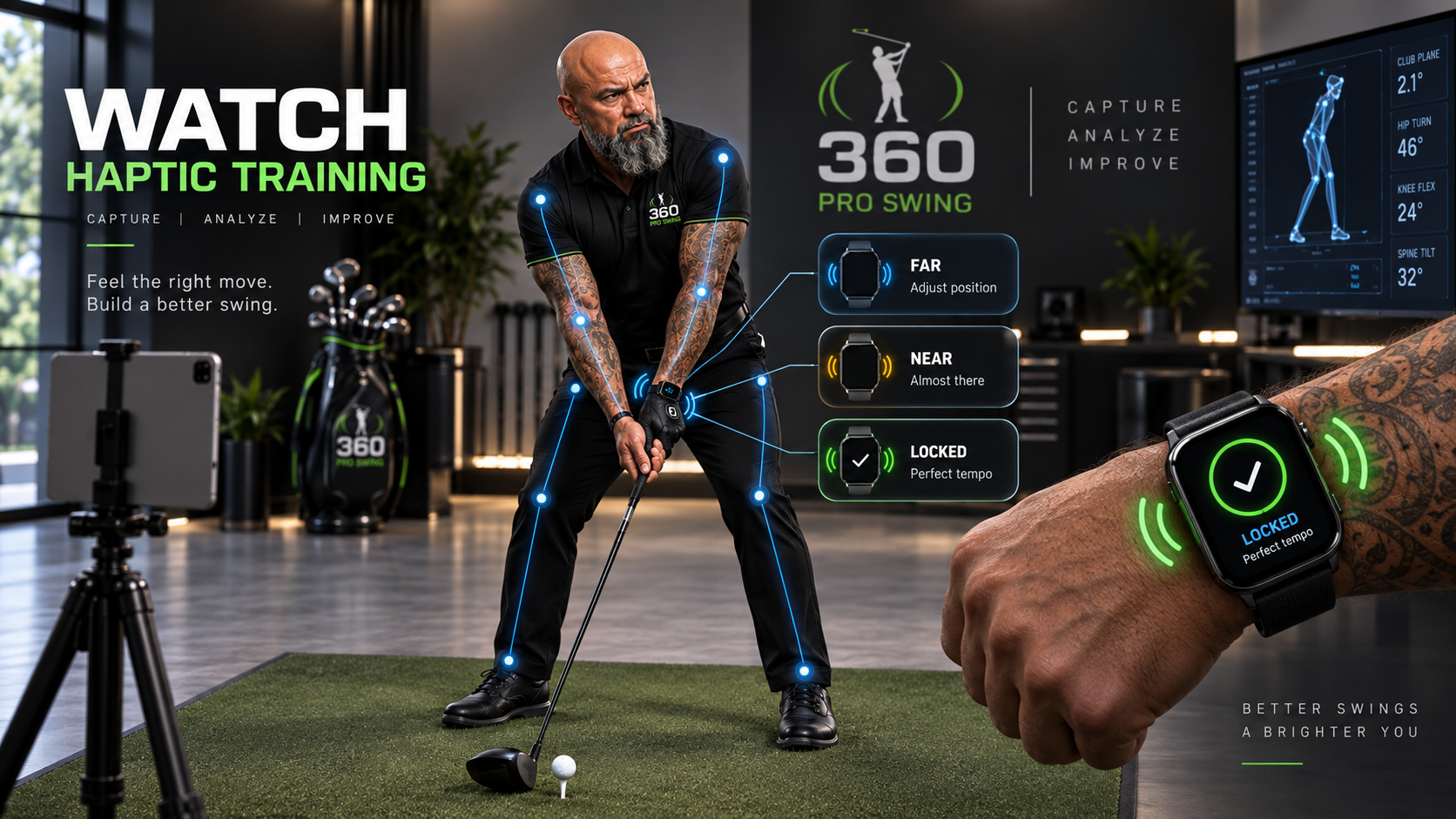
OPTIONAL WATCH + HAPTIC COACHING
The Watch can act as a training companion, delivering haptic guidance as you move toward the target and a different cue when a position is found or locked. The Watch is not the primary source of swing calculations—it is a feedback extension of the training system.
AIRPODS + HEY COACH
Compatible motion-capable AirPods are planned as an additional training input—not a replacement for the club sensor or camera.
During an active training session, AirPods head-motion data can help identify head turn, tilt, and sudden movement. The camera remains the main source for the golfer’s body position and location in space.
When a golfer’s phone is on a stand, in a cart, or in a bag nearby, AirPods can provide the microphone path for Hey Coach. The golfer can keep the conversation close without reaching for the phone.
The best training view can combine club sensor movement, camera body analysis, AirPods head motion, and Watch haptic feedback. Each device adds a different piece; none pretends to do every job.
PRACTICE THAT PLAYS LIKE A GAME
For kids, new golfers, or anyone who gets bored with repetitive drills, training games can turn the same practice motion into a score, target, challenge, or competition.
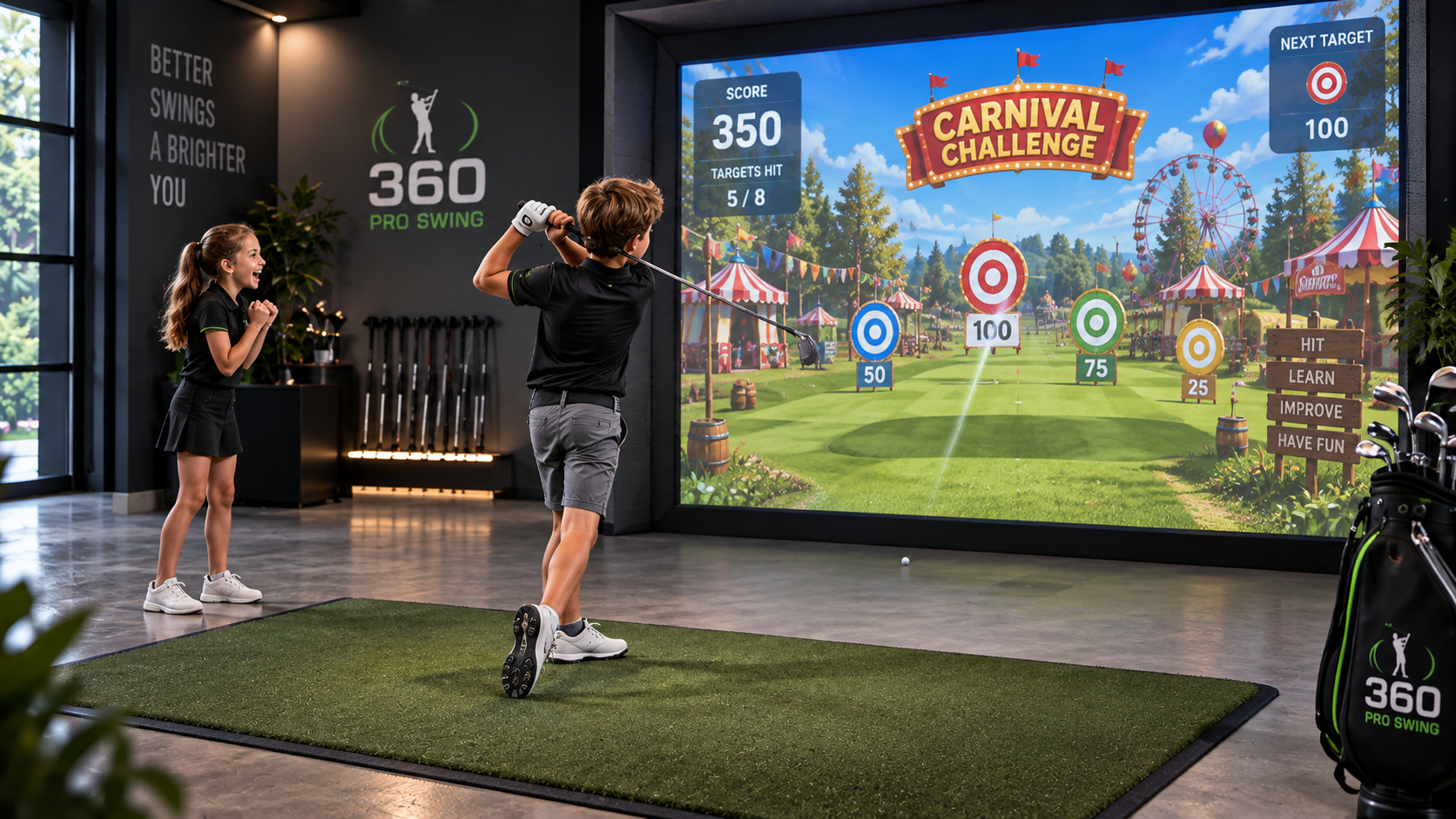
Hit the target. Beat the score. Compete with a friend. Practice distance, direction, putting, and swing positions in an experience designed to keep the golfer engaged.
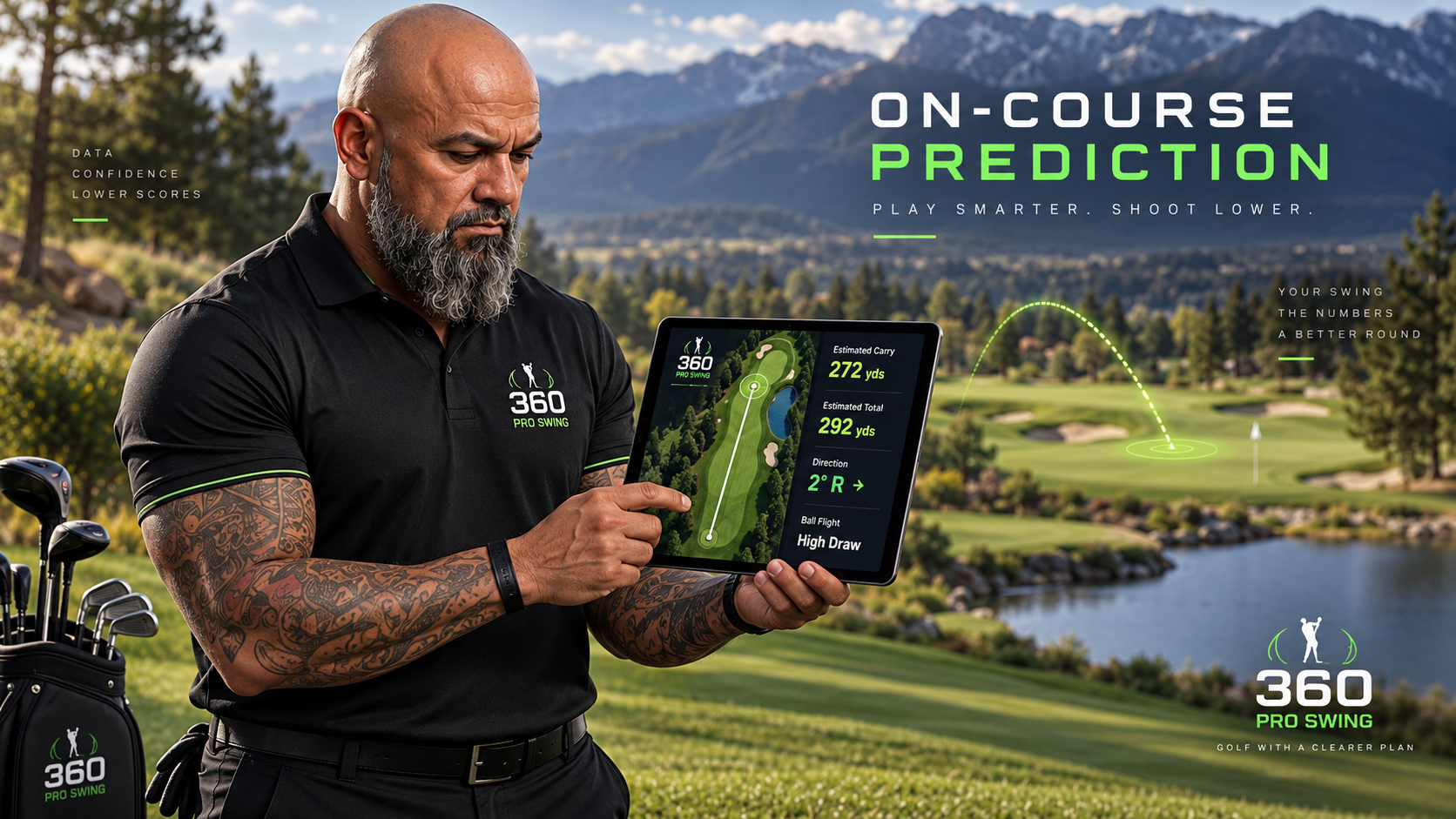
RANGE-CALIBRATED COURSE INTELLIGENCE
On the course, Smart Club AI can use your personal calibration, current swing measurements, selected club, GPS context, and available conditions to estimate the result.
These are estimates. 360 is not directly tracking the physical ball in flight with an onboard radar. Confirmed real locations can strengthen the golfer’s personal history.
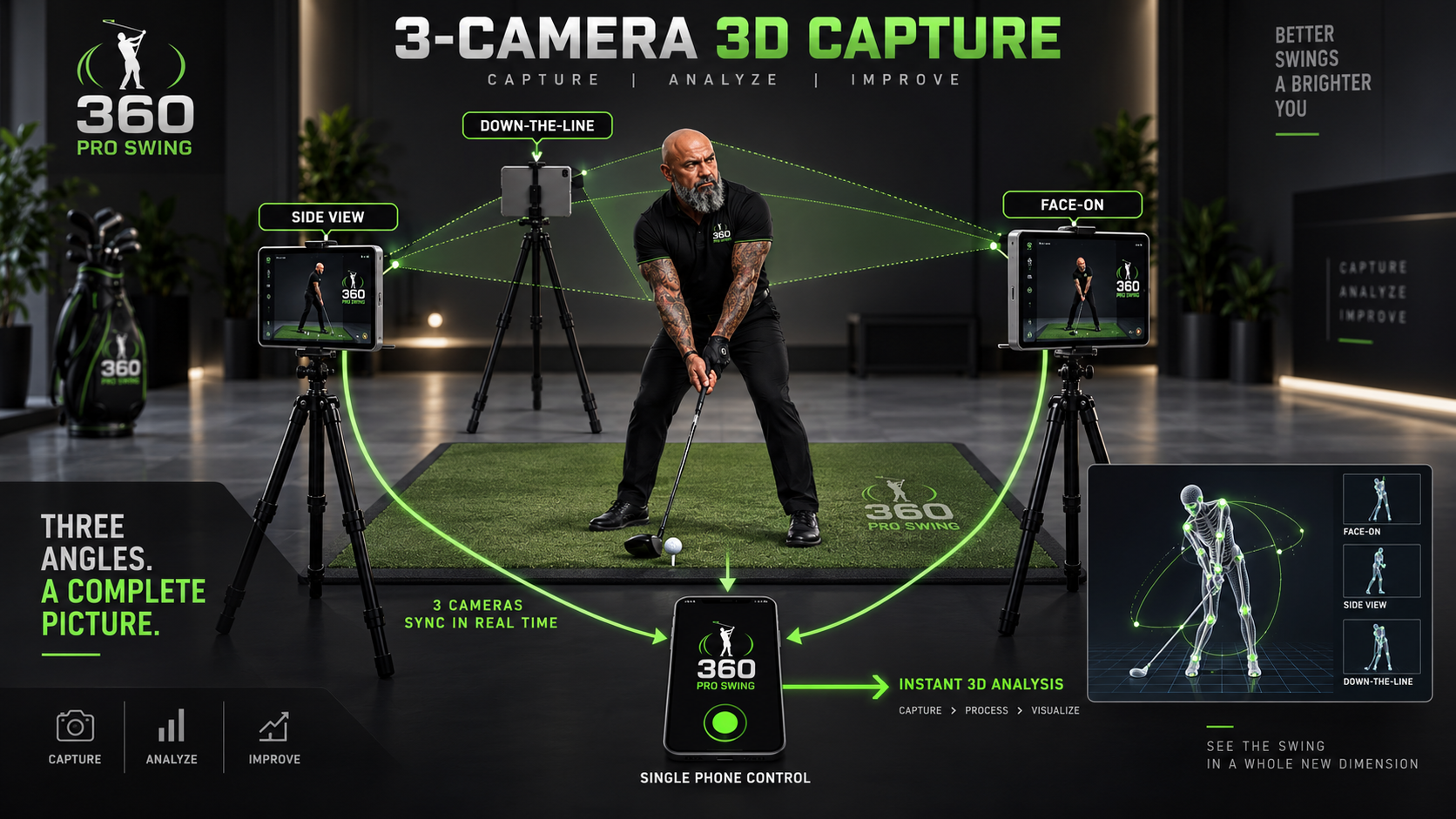
ULTIMATE 3D SWING CAPTURE
The advanced capture concept uses face-on, side-view, and down-the-line camera positions with a single phone acting as the controller.
360 SPORTS AI
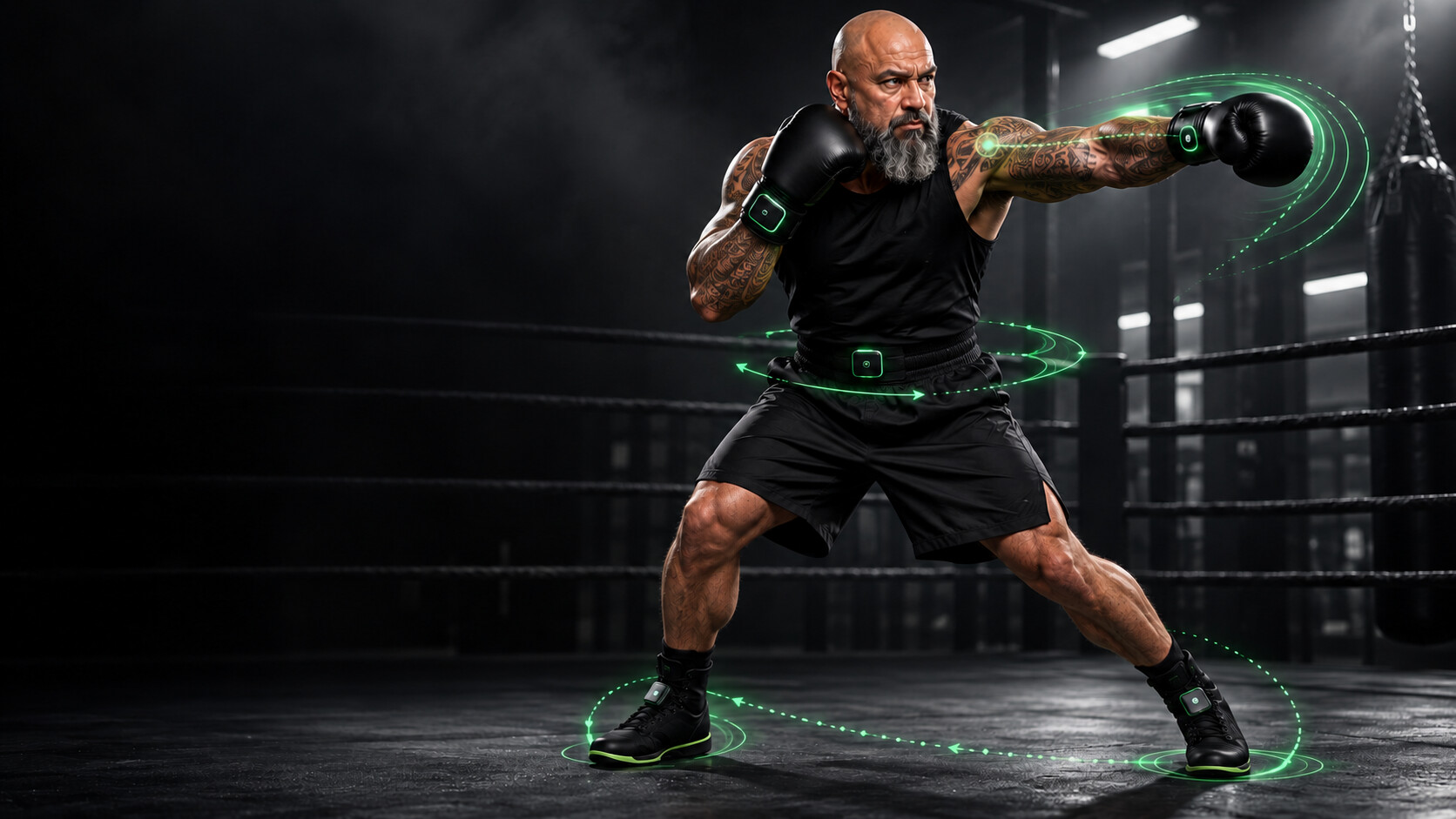
Five planned wearable sensors—two at the gloves, two at the shoelaces, and one centered below the belly button—are designed to connect punch motion, predicted impact intensity, hip rotation, stance, footwork rhythm, combinations, and recovery.
The complete boxing concept now has its own page so the golf AI training information remains focused and easy to follow.
FREQUENTLY ASKED QUESTIONS
P1–P10 describes ten checkpoints from address through the finish of a golf swing. In the 360 prototype training approach, the golfer records personal targets and practices positions slowly before continuous-swing review. The technology is currently partially implemented; it does not promise one ideal swing for every golfer.
The Home Edition uses a mounted iPhone for trainer motion and an iPad camera for body guidance. Smart Club AI uses a sensor on a real club and an iPhone or iPad camera for body analysis. An optional Apple Watch provides feedback; it is not the primary source of swing calculations.
A planned optional AirPods integration would use compatible headphone motion data as a head-motion input during an active session. The club sensor would track club movement while the camera would remain the main reference for body position and exact location in space. AirPods could also provide a closer microphone for Hey Coach when the phone is farther from the golfer. This integration remains in development and requires compatible AirPods and testing.
The Home Edition is designed for controlled position practice without hitting golf balls. Smart Club AI does not include a launch monitor. Its Bucket Calibration uses verified results from outside radar or launch-monitor equipment when associating swing measurements with actual shot outcomes.
Personal position training records the golfer’s movement targets. Bucket Calibration pairs recorded real-club swings with externally measured shot results. These are different references: a target position describes the movement being practiced, while a measured shot provides a reference for personalized estimates.
360 combines a club-motion input with camera-based body analysis. The Home Edition uses the mounted iPhone for trainer motion; Smart Club AI uses a real-club sensor. A camera-only workflow relies on video or camera observations. This difference does not establish an accuracy advantage.
No. 360 Pro Swing does not contain, include, or sell a radar. Verified outside radar or launch-monitor data can be entered during Bucket Calibration.
Yes. Smart Club AI can use a connected iPhone or iPad camera for body analysis while the 360 Smart Club tracks the real club.
No. The measured club and body results remain the foundation. AI coaching explains and helps prioritize corrections from completed training information rather than rewriting the measurements.
No. It is an in-development feature and remains clearly labeled until synchronized capture and final analysis are finished and validated.
THE FUTURE OF PERSONAL GOLF TRAINING
A system designed to learn how you play golf.