Choose a drill
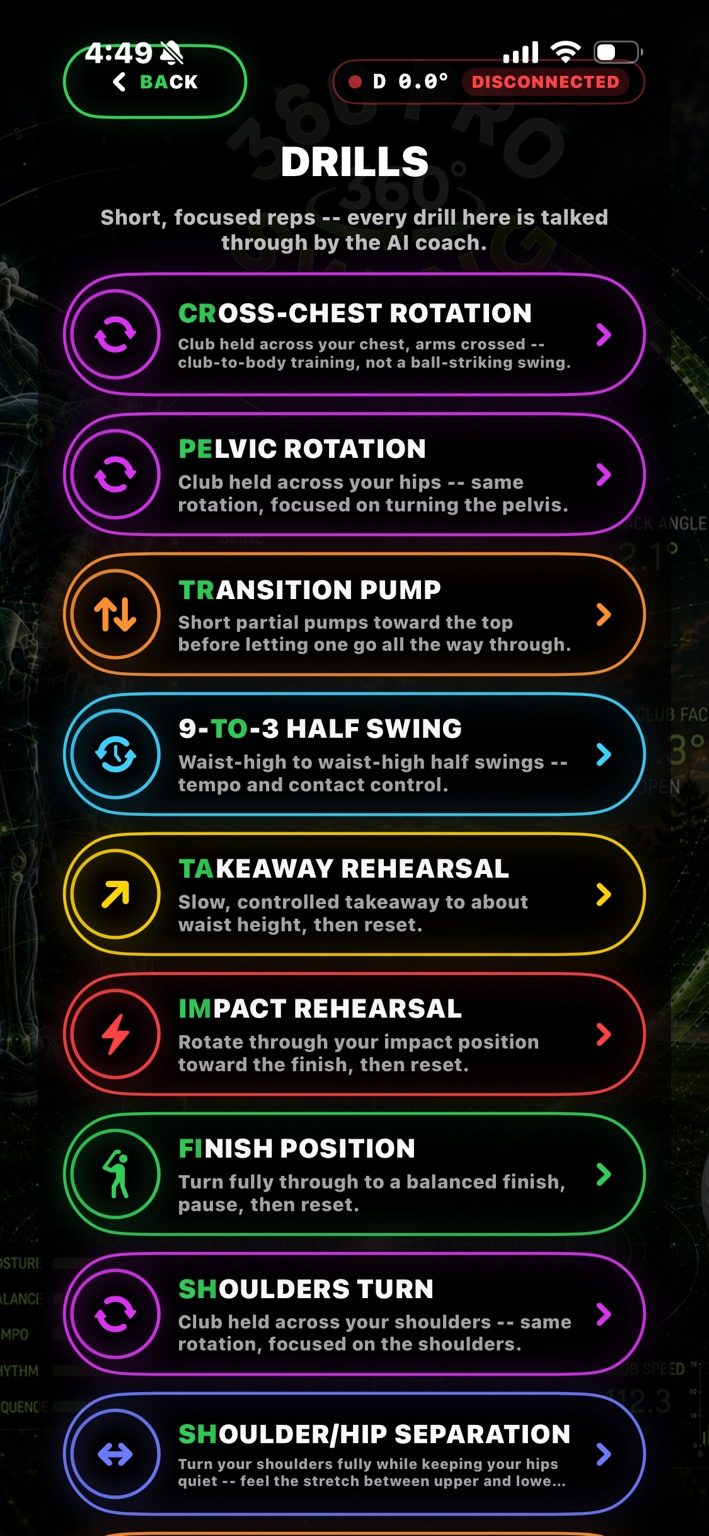
The drill menu gives golfers a clear name and purpose before they start.
SENSOR-GUIDED GOLF DRILLS
360 Pro Swing turns common golf rehearsals into guided practice. Choose a drill, follow the setup, and train rotation, sequencing, posture, balance, and positions with the AI coach alongside you.
BUILT FOR DELIBERATE PRACTICE
Not every useful golf practice rep needs a ball. These focused drills help golfers rehearse the movement patterns that support a better swing.
The drill menu gives golfers a clear name and purpose before they start.
For example, hold the club across the chest for upper-body rotation or across the hips for pelvic rotation.
Each drill is talked through by the AI coach, with guided repetitions designed for focused practice.
ROTATION TRAINING WITH A SENSOR
Cross-Chest Rotation uses the club held across the chest to rehearse upper-swing rotation. Pelvic Rotation uses the club across the hips to focus on lower-body turn. Both turn a familiar golf movement into a measurable, repeatable practice drill.
Important: These are controlled training movements—not claims about ball flight or a substitute for professional instruction.
HOW THE TRACKING HELPS THE DRILL
The sensor and camera have different jobs. Together, they help turn a repetition into useful practice feedback.
The 360 Pro Swing Sensor is attached to the club. In drills such as Cross-Chest Rotation or Pelvic Rotation, the club becomes a reference bar across the chest or hips. The sensor records the club’s rotation and movement as the golfer completes the drill, helping the app guide repetitions and keep track of the work.
The iPhone or iPad camera can be used to observe body movement during supported drills. It helps the training experience look at posture, hip depth, shoulder turn, balance, side-bend, and body geometry at impact—not just what the club is doing.
The drill tells the system what you are trying to rehearse. The sensor focuses on club movement, the camera focuses on the body, and the AI coach guides the drill with clear instructions. That gives golfers a more complete picture than practicing a movement with no reference at all.
What this means for the golfer: the sensor is not replacing the camera, and the camera is not replacing the sensor. Each adds a different view of the same drill.
THE 360 PRO SWING DRILL LIBRARY
Short, focused practice options available in the 360 Pro Swing drills experience.
Hold the club across your chest with arms crossed to practice club-to-body rotation without striking a ball.
Hold the club across your hips and focus on turning the pelvis. The sensor tracks the rotation work and repetition count.
Make short partial pumps toward the top, then let one swing continue through.
Practice waist-high to waist-high swings for tempo and contact control.
Move slowly through a controlled takeaway to about waist height, then reset.
Rotate through the impact position toward the finish, then reset.
Turn fully into a balanced finish, pause, and reset.
Hold the club across your shoulders and focus the rotation on the upper body.
Turn the shoulders while keeping the hips quiet to feel separation between upper and lower body.
Turn into the coil, hold the maximum turn briefly, then rotate back through.
Turn only the pelvis while the upper body stays quiet.
Turn only the torso while the hips stay quiet.
Hold a steady impact position while the camera checks body geometry.
Move slowly from address to the top, holding each position.
Move from the top through impact and toward the finish.
Make a small lateral hip bump toward the target before rotating through.
Turn back without sliding the hips sideways.
Keep the address spine angle through the turn.
Keep side-bend controlled through the swing.
Step through the rotation and then step back for rhythm and balance.
Rotate through while staying balanced on one leg.
Turn back and through without crossing a hip-depth reference wall.
Rehearse the motion slowly and deliberately: pelvis, then torso, then arms.
Use the checkpoint trainer slowly, holding each position as you move through the swing.
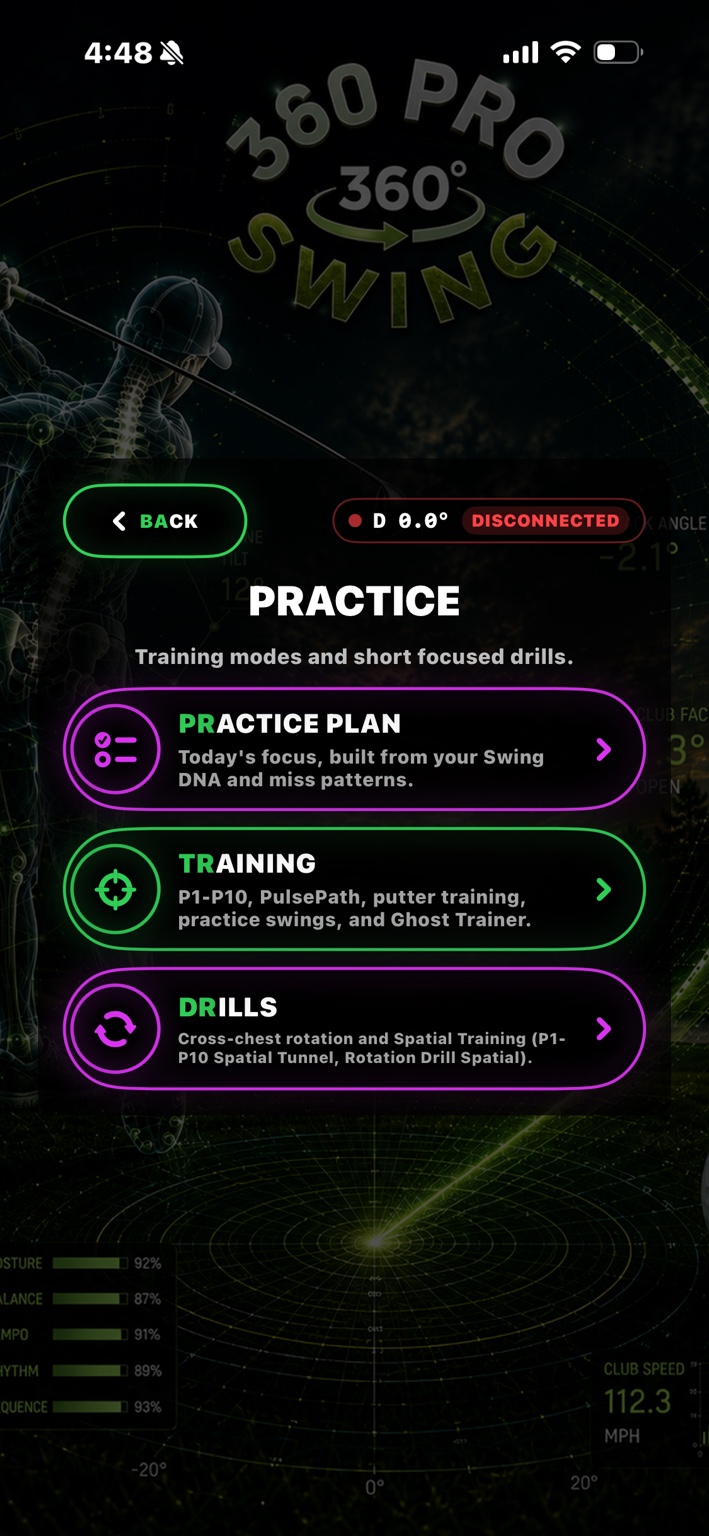
Use P1–P10 Spatial Tunnel and Rotation Drill Spatial mixed/virtual-reality training modules.
HANDS-FREE DRILL NAVIGATION
During an active session, Hey Coach can open the Drills menu, ask which drill you want to start, and begin the selected drill by voice. A manual Hey Coach button remains available when touch control is preferred.
See how Hey Coach works →QUESTIONS ABOUT THE DRILLS
They are short, focused golf practice sessions for rotation, position work, sequencing, balance, posture, and movement patterns.
For Cross-Chest Rotation, hold the club across the chest with the arms crossed. For Pelvic Rotation, hold the club across the hips. The drill instructions in the app identify the setup for the selected drill.
Yes. Each drill is talked through by the AI coach. During an active session, golfers can also use Hey Coach to open the drill menu and choose a drill by voice.
No. Several drills are rehearsals, isolation drills, or controlled movement patterns rather than ball-striking swings.